Compaq Presario CQ43
This webpage describes all the hardware changes that I've made to this laptop. Whether faulty parts or upgrade and maintenance. I've had this laptop since new in 2012 and it's been upgraded during the inital 5 years of life. This laptop was a great value purchase for me as a high school student with a paper route.
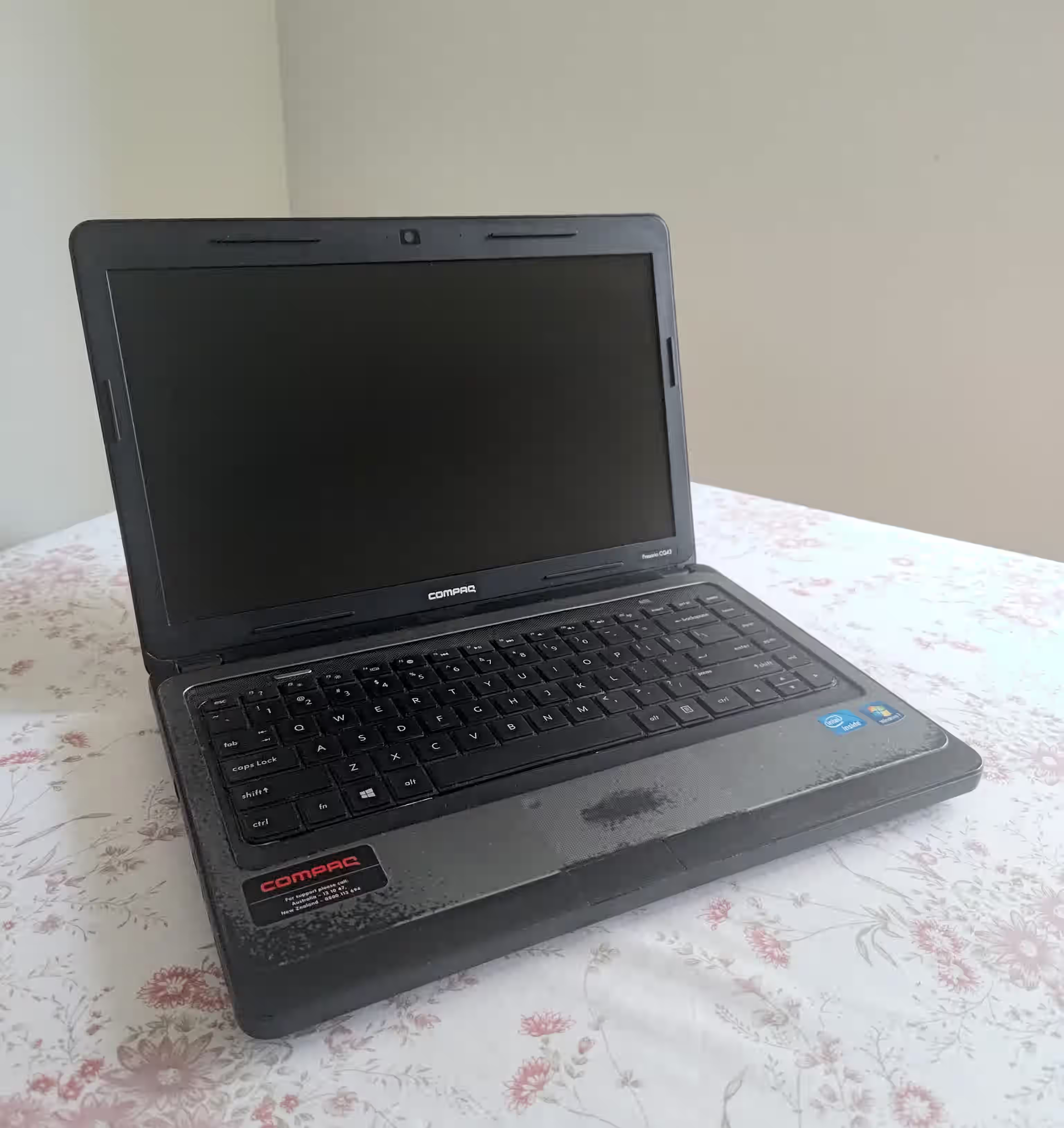
Spec List - Original
- Intel Celeron B815 (Sandy Bridge) 1.6Ghz 2/2
- 2GB DDR3
- 500GB Hard Disk
- Windows 7 Home Premium
The first replacement part was 3 years in ~2015. A battery, unfortunately batteries are mostly a consumable and manufacturing faults can shorten it's life even after the inital 12 month warranty. In this case a single bad cell in the 6-cell pack.
The second replacement part was 4 years in ~2016. The hard disk started frequently having read timeouts and I had to replace it. I decided that it was time for an SSD to breath new life into the machine. An Apacer 240GB drive was chosen due to price and with the flow I decided some RAM to make 16GB was a risk I was willing to take, 8GB being the maximum in the specification list. I did this due to research supported by Intel's Ark website and other miscellaneous sources.
The next replacement part was an upgrade rather than fault repair. I found a good deal on a 2nd hand i7-2760qm. I was once again taking a risk as this processor is both not listed on the specification list for this laptop and it has a high heat output at 45w. But I saw a single comment from an internet user that they had upgraded their CQ57 (15 inch version) from a B800 to an i7-2630qm.
The CPU upgrade was indeed a success giving me 8 threads and up to 3.5Ghz, it even allowed the RAM to run at DDR3 1600 along with a better integrated GPU.
Using a custom power plan setup become something useful for calming fan noise during general web usage and light multitasking, fuelled mainly by my preference for computers to be unobtrusive. At least the laptop no longer felt slow on the newer more complex internet of 2017 and multitasking didn't slow the whole machine anymore.
Yet another battery in 2019. This time it was the battery controller, the battery just stopped reporting capacity. It could technically power the laptop, but would no longer charge so I decided to just remove it to not accidentally over discharge it.
And finally the keyboard in 2020. A surprising failure was the left ctrl key on the keyboard that was requiring more force as time went on. Unfortunately due to age I could only get a 3rd party replacement, but at least it was available.
Spec List - Upgraded
- Intel Core i7 2760qm 2.4Ghz 4/8
- 16GB DDR3
- 240GB Solid State Drive
- Windows 10 Pro